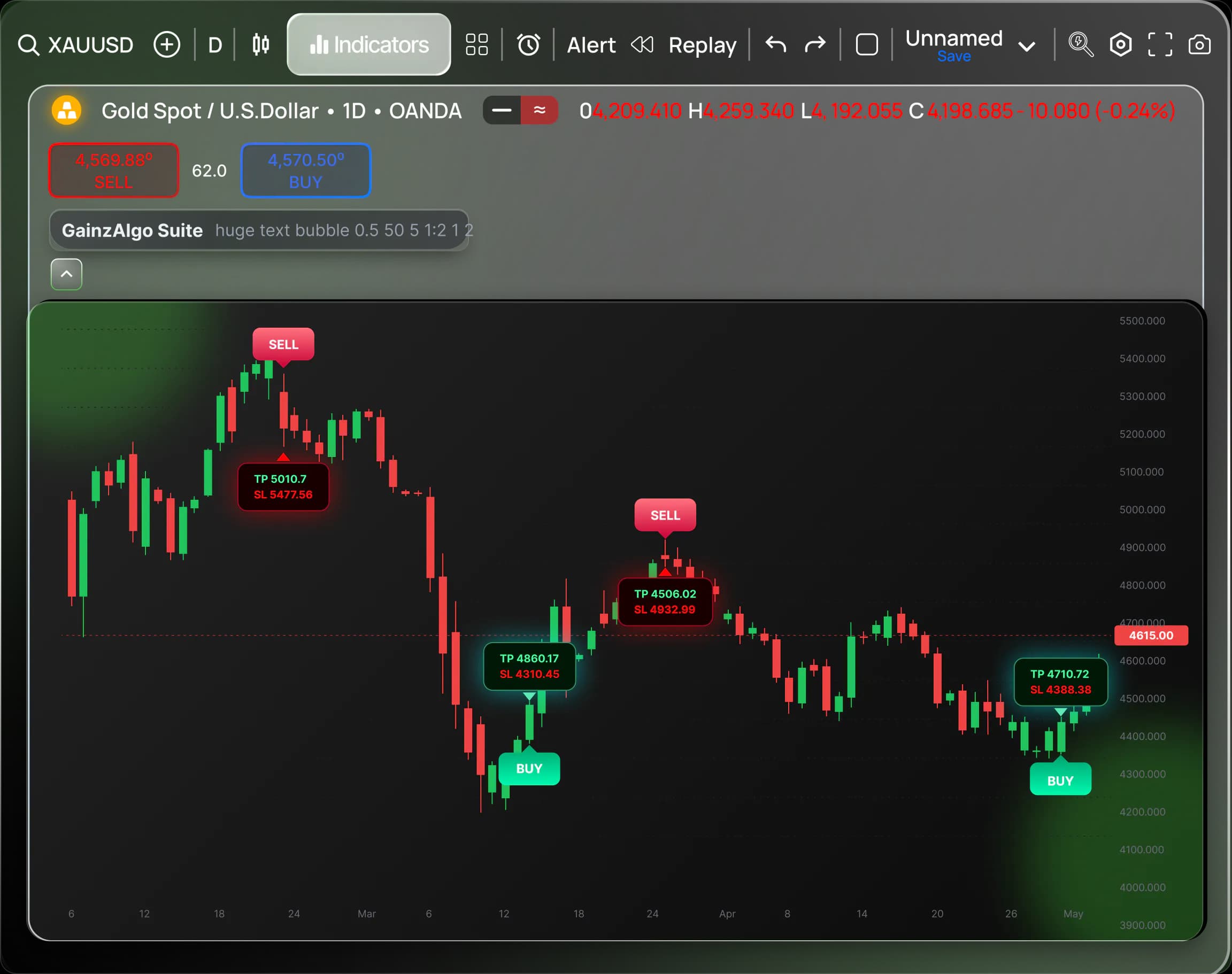
Setup Guide
How to activate GainzAlgo on TradingView
Follow these simple steps to get started with GainzAlgo on TradingView.
Before we start:
After a successful purchase, you will receive instant access to GainzAlgo on TradingView. If you purchased GainzAlgo but did not receive access, please contact us via live chat and we will manually grant it right away.
1
Verify Access
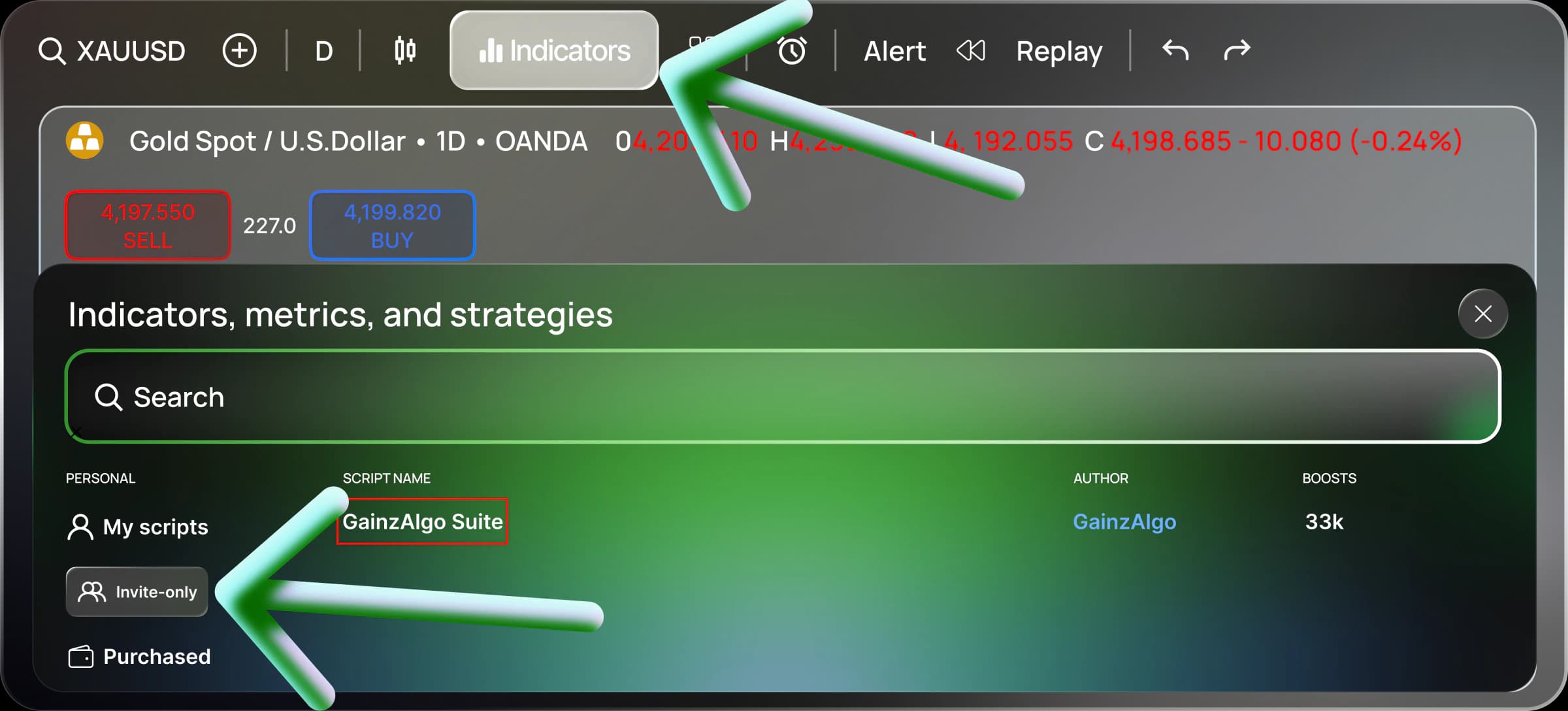
Check whether you were granted access by going to (1) Indicator -> (2) Invite-only and seeing if GainzAlgo Suite pops up.
2
Open Settings
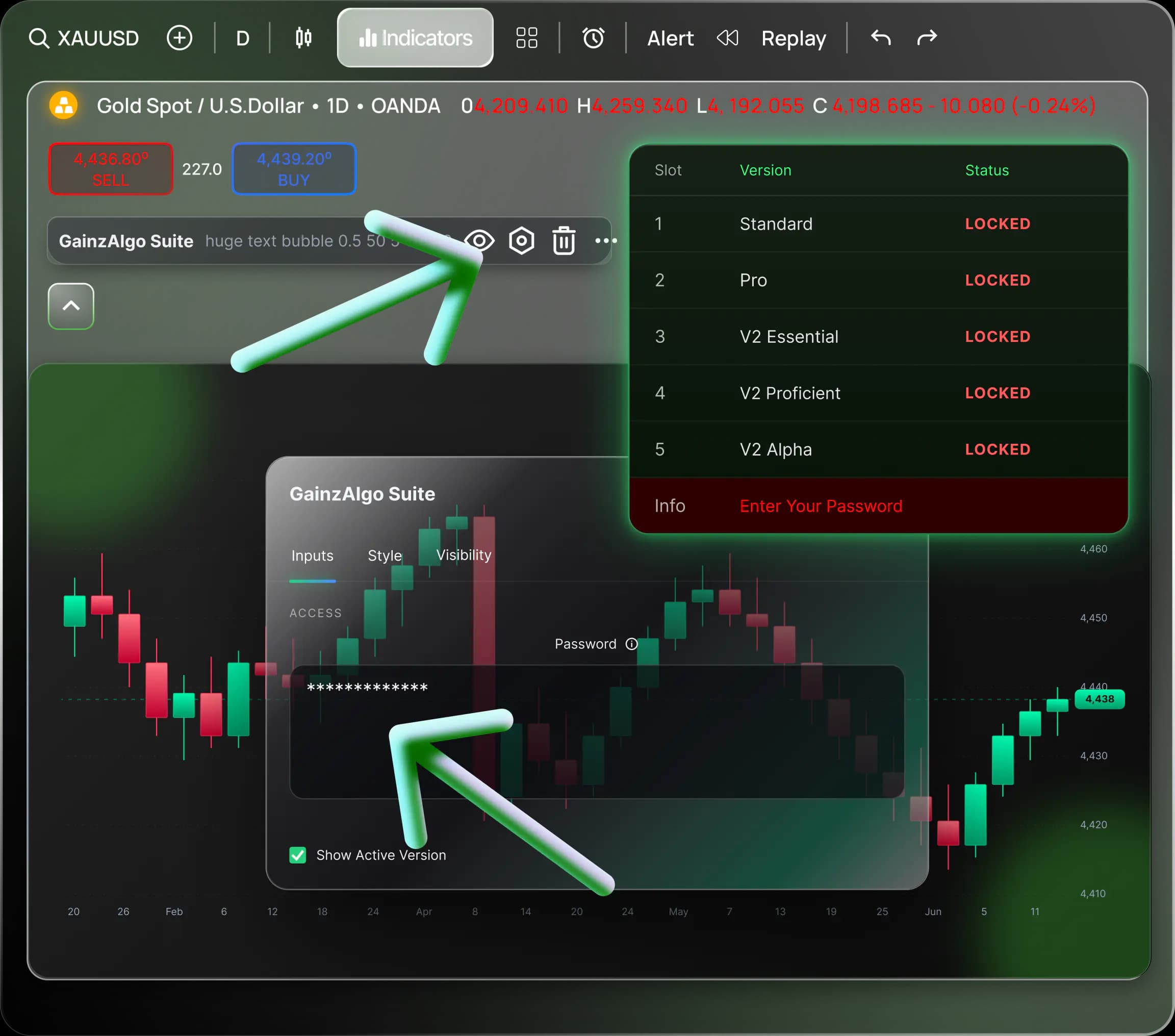
Click on GainzAlgo Suite to add it to your chart, then open the settings menu by clicking the gear icon. Paste the password you received in your email after purchasing GainzAlgo.
3
Ready to Trade
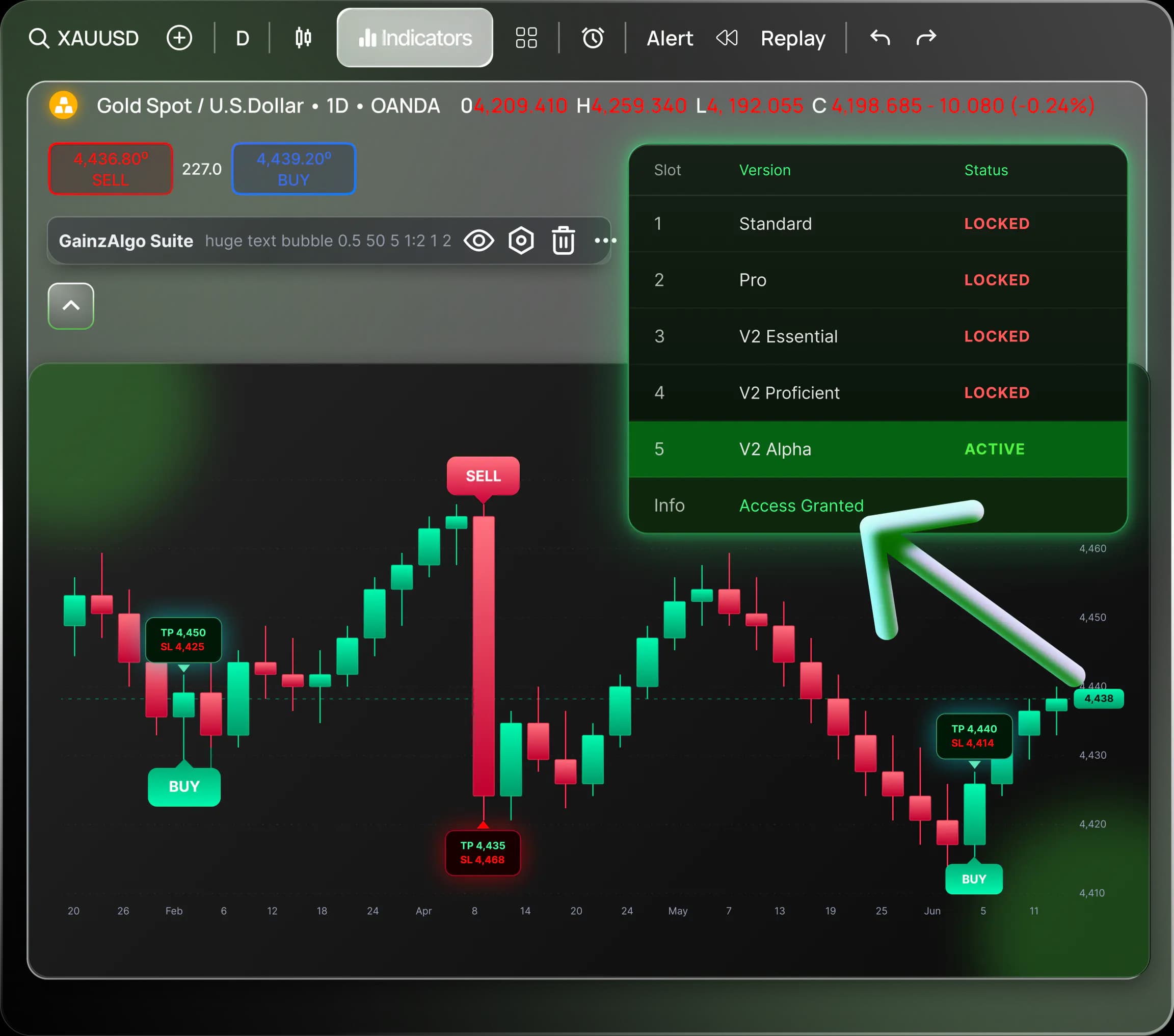
Done! Your GainzAlgo is now activated and ready to use.
4
Enjoy Your Trades
Start using GainzAlgo to get accurate trading signals.